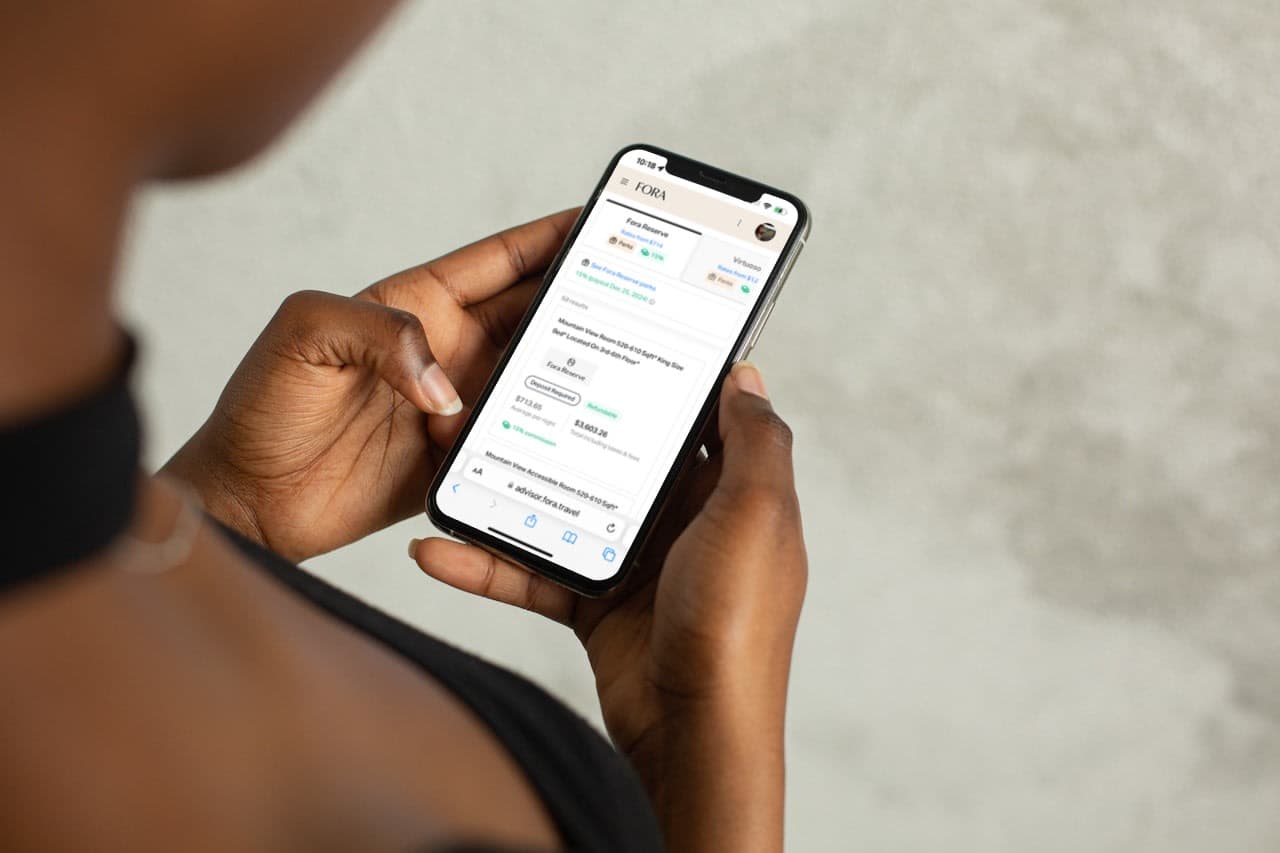
Fora’s new feature, Bookable Quote, allows clients to browse hotel options and book directly from the proposals you send—no back-and-forth required. This solves the waiting game: you send the client a quote and wait for a reply, knowing the rates could change or even worse, the client could book the hotel directly, eliminating your commission.
Bookable Quote eliminates all of that friction by letting clients move forward when they're ready, with you earning the commission automatically.
What is Bookable Quote?
Bookable Quote lets you share up to 15 hotel rates with a client. You choose which rates to include, add your own notes explaining why each option works, then send a link. Your client verifies their identity, reviews the options, and books on their own through a secure checkout process—all without needing you to be online.
Once clients book, both of you receive instant confirmation emails, and the reservation appears in your Fora Portal dashboard just like any other booking.
How can Bookable Quote grow my business?
Convert more inquiries into bookings. Clear pricing, policies, and totals are displayed upfront, which reduces hesitation and makes it easier for clients to say yes. No more “let me think about it” emails that disappear into the void.
Capture business when you're unavailable. Clients can book instantly after you send a quote—no need to wait for you to respond, process payment details, or confirm availability. This is especially useful if you're working as a part-time advisor, managing multiple clients, or simply want to reclaim your evenings.
Create polished quotes in minutes. With a few clicks, you can build a quote with multiple rates, hotel photos, addresses, and personalized notes. The interface does the formatting work for you, so everything looks clean and professional without any design effort.
Maintain accurate rates automatically. If pricing changes between when you send the quote and when your client books, they'll see updated, live rates at checkout—along with the original price you quoted. No need to manually requote or worry about outdated information.
Add visibility for your brand. If you've uploaded your advisor brand, your logo appears on both the client-facing quote and the confirmation email, reinforcing your professional identity with every booking.
How does Bookable Quote work?
Bookings made through Bookable Quote work exactly like any other booking on Portal, Fora’s advisor platform. You can track prices, manage cancellations, and handle changes using tools in Portal.
If your client adds a new credit card during checkout, it's automatically saved in their profile for future use. And if a rate becomes unavailable after you send the quote, your client will see that clearly marked—so you can send a new option if needed.
Here are the basics of how Bookable Quote works:
Create a quote. On the Book tab in Portal, you can search for a hotel, select a rate, then share the rate by opting to create a new quote.
Add options. You can include up to 15 rates across one or more properties, plus customize the title to explain that hotel’s value—whether it's the best price, flexible cancellation, extra perks, or your personal recommendation.
Share the link. Send the Bookable Quote link via email, text, or however you communicate with your client.
Client books securely. Your client verifies their identity with a one-time code sent via email or SMS and reviews all the options you included. When they’re ready, they can select their preferred rate and complete checkout using a saved card or by adding a new one.
Booking is logged in Portal. When your client books, the reservation shows up in your Portal under the relevant trip, with full access to booking management tools like price tracking. Both you and the client receive confirmation emails immediately.
Ready to start using Bookable Quote? Join Fora and access additional tools like Itineraries, Advisor Branding, and Portal, a booking platform with 170,000+ hotels and travel providers.