Your clients expect more than a confirmation email. They want to see their trip come to life, with hotels, activities, and logistics all in one place. But creating a comprehensive itinerary has historically been a labor-intensive process, copying hotel details, confirmations, rates, and more. That's where Fora's Itineraries comes in.
Whether you're confirming a booked trip or presenting hotel options in a proposal, Itineraries helps you create polished, professional travel plans without hours of formatting and design work. It's built to make you more efficient—so you can handle more clients or reclaim time in your busy life.
What is an itinerary builder?
An itinerary builder is a tool that lets you build and easily share the details of a trip. Itineraries is Fora’s integrated tool that lets you create client-ready itineraries and proposals directly from your bookings. No more juggling Google Docs, design software, or email chains. Everything your client needs to know about their trip lives in one shareable, mobile-friendly webpage, which you can easily update.
You can use Itineraries to share confirmed trips, or create proposals to showcase hotel options before anything is booked. Either way, the builder does the heavy lifting—pulling in property photos, room descriptions, rate breakdowns, and more—so you can focus on personalizing the experience.
How does an itinerary builder improve my business?
Travel clients expect more than ever. They want visual inspiration, clear logistics, and a sense that their trip was designed just for them. The itinerary builder helps you deliver that experience without the hours of work it used to require.
For advisors balancing a full list of clients, this is how you grow. For advisors building a business alongside other commitments, this is how you reclaim your time. And for advisors who want to deliver the best possible client experience, here are some ways to stand out.
Efficiency
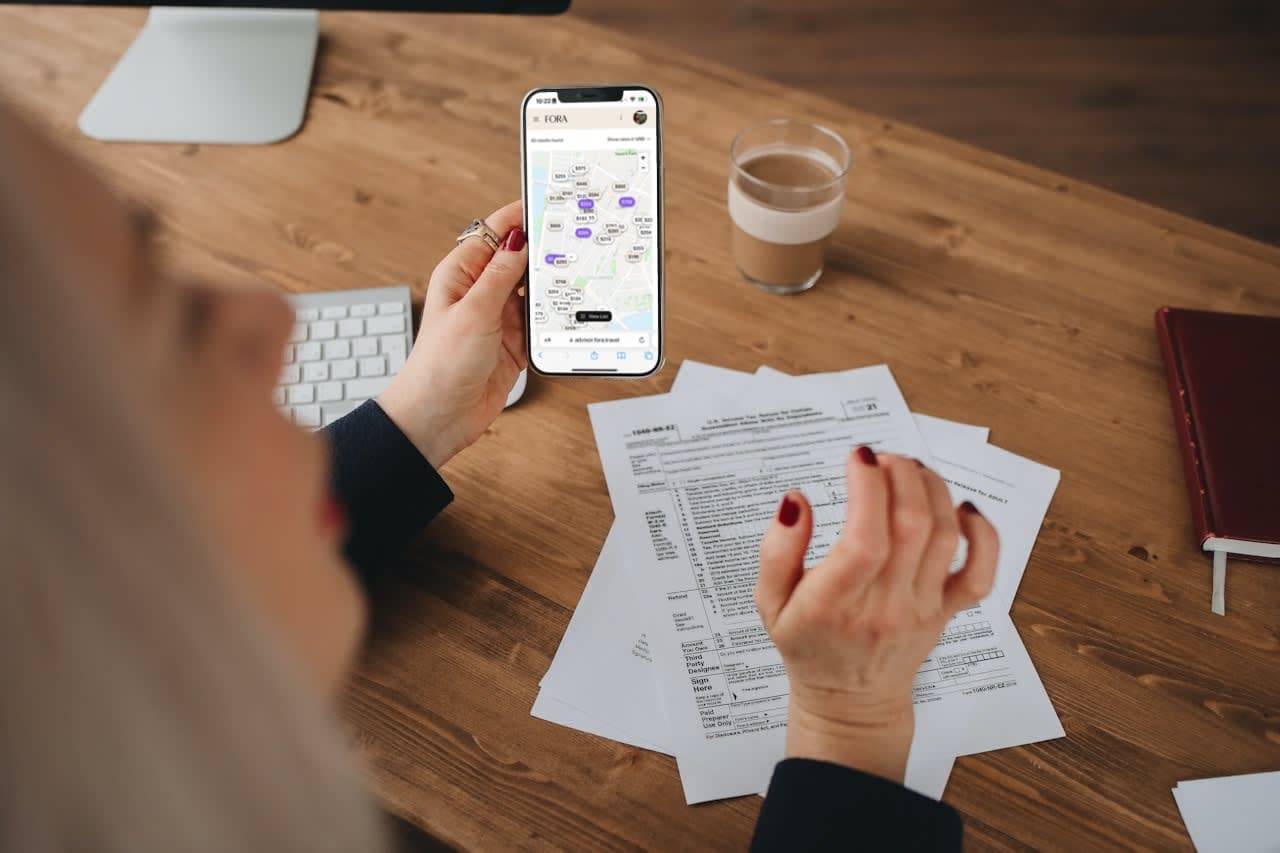
The feature automatically imports booking details, hotel images, and descriptions into an itinerary. Activities and transportation booked through Portal can also be easily added, plus you can manually add bookings made outside of Portal. What used to take an afternoon now takes minutes, plus you can customize even further by adding your own branding, photos, and formatting.
Organization
Your client opens one link and sees their entire trip beautifully formatted on any device. The polished itinerary is user-friendly and easy to navigate—no more separate emails for flights, hotels, and activities.
Presentation
Proposals built with the itinerary builder don't look like spreadsheets or plain text emails. They look like digital travel magazines, complete with high-quality hotel images and thoughtful layouts that can be downloaded as a PDF and printed if desired.
What to expect using Itineraries by Fora
Easily build proposals. Use hotel content blocks to showcase multiple accommodation options, complete with partner-approved images, descriptions, and review summaries—all pulled directly from Fora's booking platform.
Automatically import bookings. Start an itinerary for an existing trip and watch the builder pull in not only the hotel details, but the booked room types and actual rates. No manual data entry required (but you can personalize as needed).
Customize every detail. Add headers, text boxes, images, tables, and day-by-day schedules. Drop in destination photos from Unsplash or upload your own. Adjust layouts, reorder pages, and personalize every section to match your client's trip.
Add your branding. If you've uploaded your advisor brand, your logo automatically appears on every itinerary and proposal, reinforcing your professional identity.
Share instantly. Publish your itinerary and copy a client-facing link to send via email, text, or any messaging platform. You can also download a PDF for offline access or printing.
AI writing assistant. The built-in AI assistant helps you write faster and with more confidence, whether you need suggestions with wording, tone, or length.
How do itineraries fit into my workflow?
Itineraries is part of Fora's larger mission to power the next generation of travel entrepreneurs. We’ve created an all-in-one platform with tools and resources that work together seamlessly to save you time.
AI self-logging means your bookings are instantly available for use in itineraries, eliminating the extra step of emailing your booking information to Fora.
Integrated booking flow connects your confirmed reservations directly to the itinerary builder, so you're not starting from scratch.
Mobile-optimized design means your clients can view beautiful itineraries on any device, whether they're at home on a laptop or reviewing details on their phone during the trip.
Whether you're managing five clients or 50, the goal is the same: spend less time on admin work and more time delivering great travel experiences.
Example itineraries
Here are a few itineraries built by Fora Advisors:
Each proposal or itinerary shows how the builder transforms booking details into an engaging visual experience for the client—without hours of design work.